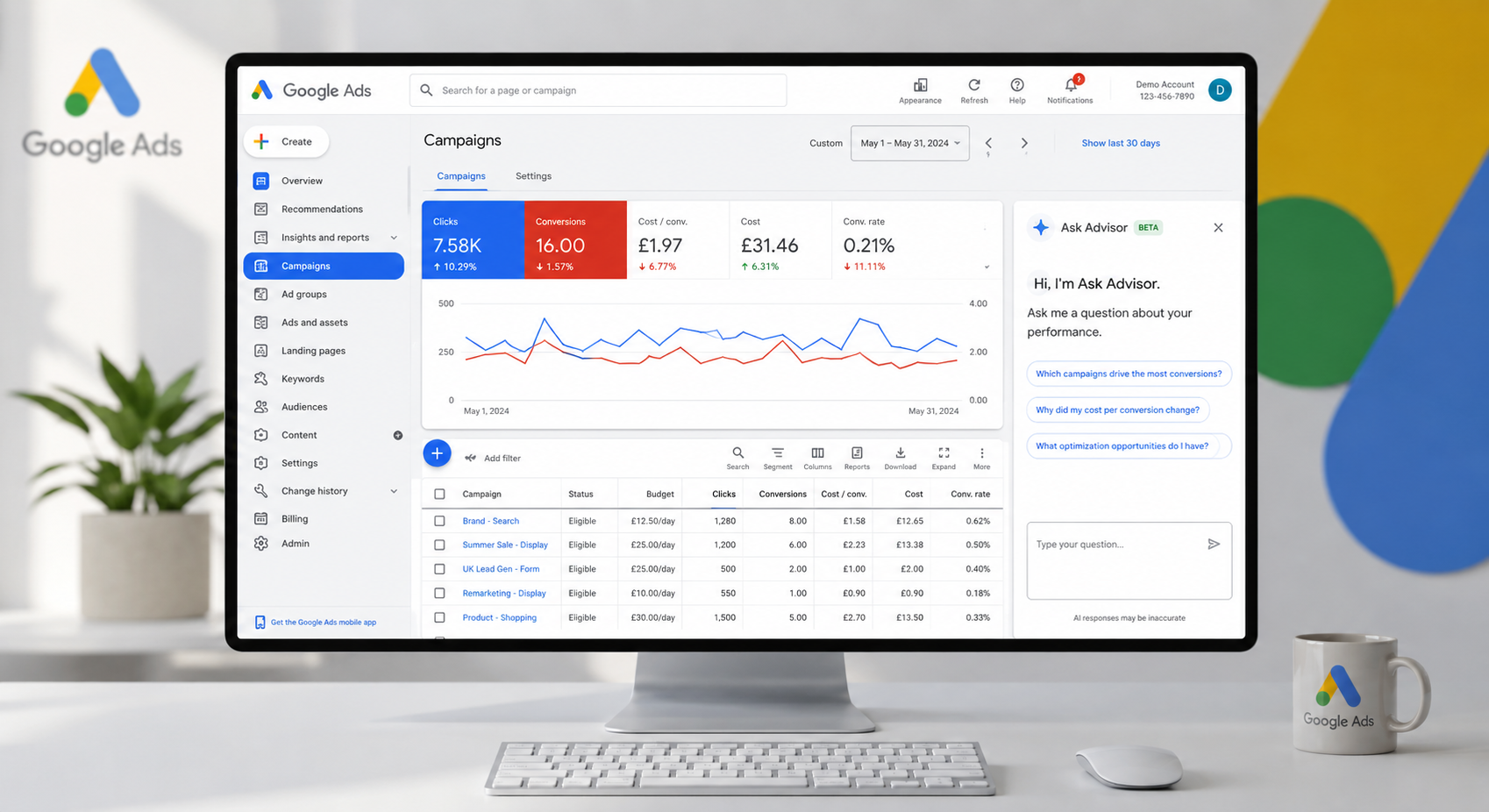
A £3,000 monthly Google Ads budget can be too small, too large, or exactly right. The difference is not the headline figure. It is whether Google Ads budgeting is tied to the commercial numbers that matter: margin, lead quality, conversion rate, capacity and the value of a new customer.
Too many accounts begin with an arbitrary number – perhaps what a competitor appears to spend, or what feels affordable this month. That approach often produces inconsistent results. A better budget is built backwards from the outcome your business needs, then managed with enough discipline to separate short-term fluctuation from genuine opportunity.
Start with a profitable acquisition target
Before choosing a daily budget, establish the maximum amount you can pay to acquire a lead, sale or customer without eroding profitability. For ecommerce, this usually means setting a target return on ad spend (ROAS) based on gross margin, fulfilment costs, returns and repeat purchase behaviour. For lead generation, it means working from an acceptable cost per acquisition (CPA), not simply a cost per lead.
A £25 lead is not automatically better than a £45 lead. If the £45 lead comes from a commercial decision-maker and converts to a £5,000 contract, it may be far more valuable. The budget conversation therefore needs sales data alongside platform data. Google Ads can report clicks and conversions; it cannot reliably judge the quality of an enquiry unless you feed that information back into the account.
For example, a London service business may need 20 qualified enquiries a month. If one in four qualified enquiries becomes a customer, and the business can profitably pay £250 to acquire each customer, its target cost per qualified enquiry is £62.50. That gives the campaign a commercial benchmark before a single pound is allocated.
Build your Google Ads budgeting model backwards
Once the target CPA or ROAS is clear, estimate the spend needed to generate enough conversion volume. This is not a promise of performance – auction prices, search demand and landing-page quality all affect the result – but it gives your testing and planning a rational starting point.
Use these four inputs:
- Your target CPA or ROAS – the point at which paid media remains commercially viable.
- Your monthly conversion goal – sales, qualified leads or revenue, rather than clicks.
- Expected conversion rate – ideally based on your own historic data, not an industry average.
- Expected cost per click – based on Keyword Planner, account history and competitor pressure.
Suppose an ecommerce retailer needs £30,000 in monthly paid-search revenue and has a £75 average order value. That requires 400 orders. At a 3% conversion rate, the site needs roughly 13,333 paid clicks. If the expected average cost per click is £1.20, the indicative spend is £16,000. The question then becomes whether that spend can achieve the required ROAS after product margin and operating costs are considered.
If the numbers do not work, do not assume the answer is simply to spend less. It may be necessary to improve conversion rate, focus on higher-margin products, raise average order value, tighten keyword targeting or use remarketing more intelligently. Budget and efficiency are connected.
Allow enough data for a fair test
Very small budgets create a common problem: the account never collects enough conversion data to learn what works. This is particularly relevant when using Smart Bidding, Performance Max or broad match keywords. These campaign types can perform well, but they need meaningful conversion tracking and sufficient volume to make sensible decisions.
There is no universal minimum spend. A local locksmith competing in a narrow postcode area will need a different budget from a national retailer selling in a crowded category. As a practical rule, a campaign should have enough budget to pursue a useful number of conversions each month. If your target CPA is £50 and the campaign receives only £100 per month, it will struggle to generate insight, let alone consistent leads.
Where budget is limited, concentrate it. A tightly structured search campaign targeting proven, high-intent terms is often more valuable than spreading small amounts across Search, Performance Max, Display, YouTube and Demand Gen at once.
Allocate budget by intent, not by campaign type
Google will happily offer more places to spend. That does not mean every format deserves funding from day one. The strongest allocation usually follows customer intent and proven contribution to profit.
For many businesses, high-intent Search campaigns should form the foundation because they capture people actively looking for a product or service. Brand campaigns may need their own protected budget, particularly where competitors bid on your name. Shopping and Performance Max can be highly effective for ecommerce, but they require clean product feeds, accurate revenue tracking and close attention to product-level performance.
Remarketing often delivers efficient results because it reaches people who already know the brand. However, its scale is limited by site traffic. It should support prospecting, not disguise a lack of new-customer demand.
A sensible early allocation might put most spend behind proven non-brand Search or Shopping activity, reserve a smaller amount for brand protection and remarketing, then set aside a defined test budget for new opportunities. The precise split depends on your market. A business with strong brand demand will look different from a newer company that must generate awareness as well as capture it.
Avoid relying on shared budgets across unrelated campaigns unless there is a clear reason. They can allow Google to prioritise the campaign most likely to spend, rather than the one that best supports your commercial priorities.
Daily budgets are not monthly limits
This detail catches out plenty of advertisers. Google Ads uses average daily budgets and can spend more on certain days when it expects stronger demand. Over a month, the platform generally works towards a monthly charging limit based on your average daily budget multiplied by 30.4.
If your true monthly ceiling is £3,040, an average daily budget of £100 is a useful guide. If cash flow is tight, leave a margin rather than setting every campaign at the absolute maximum. Also check whether budget-limited campaigns are genuinely constrained by spend or whether their targeting, bids, ad relevance or landing page is the actual issue.
Budget-limited status can be a sign of missed opportunity, but it is not an instruction to increase spend. First ask: if we add another £1,000, will it buy more profitable conversions, or simply more expensive traffic?
Scale in controlled increments
When a campaign is profitable, rapid budget increases can destabilise performance. The system may expand into weaker auctions, change the traffic mix or need time to relearn. This is especially true with automated bidding strategies.
Increase budgets in measured steps, often around 10-20% at a time, then give the campaign enough time and conversion volume to assess the result. The appropriate review window depends on sales cycle length and transaction volume. An ecommerce account with dozens of daily orders can respond quickly; a B2B campaign producing ten qualified leads a month needs more patience.
Do not judge every change solely on platform ROAS or CPA. Review revenue, qualified lead rate, close rate, cancellation rate and net margin. A campaign that looks efficient inside Google Ads may still create poor outcomes if sales teams reject the leads or low-margin products dominate the mix.
Protect budget from common sources of waste
Wasted spend rarely comes from one dramatic error. More often, it accumulates through weak search terms, outdated location settings, broad targeting without oversight, duplicate tracking and landing pages that fail to convert.
A disciplined account review should look at search-term quality, negative keywords, device performance, geographic results, day-of-week patterns and the relationship between spend and conversion value. For ecommerce, review product groups and stock availability. There is little value sending paid traffic to products with poor availability, weak margins or high return rates.
Conversion tracking deserves particular attention. If Google records a page view as a lead, or counts the same sale multiple times, automated bidding will optimise towards the wrong signal. Better data produces better budget decisions. That can include enhanced conversions, offline conversion imports and separate values for qualified and unqualified enquiries.
Keep testing separate from core revenue activity
New campaign types, creative concepts and AI-led recommendations can be useful, but testing should not put the main revenue engine at risk. Establish a clear test budget with a defined hypothesis. Perhaps you are testing Demand Gen for new audiences, a Performance Max campaign against standard Shopping, or a new landing page for a high-value service.
Decide in advance what success looks like, how long the test will run and what you will compare it against. Without those rules, experimental spend can continue because it generates attractive engagement metrics, despite failing to create sales or qualified enquiries.
Maple Forest Marketing approaches budget management as an ongoing commercial process, not a once-a-quarter adjustment. The goal is to identify where the next pound is most likely to generate profitable growth, while stopping spend that no longer earns its place.
The most useful Google Ads budget is not the largest figure you can afford. It is the amount your business can measure, learn from and scale without losing sight of profit. Start with a defensible target, focus investment where intent is strongest, and let verified revenue – not platform prompts – decide when more budget is deserved.