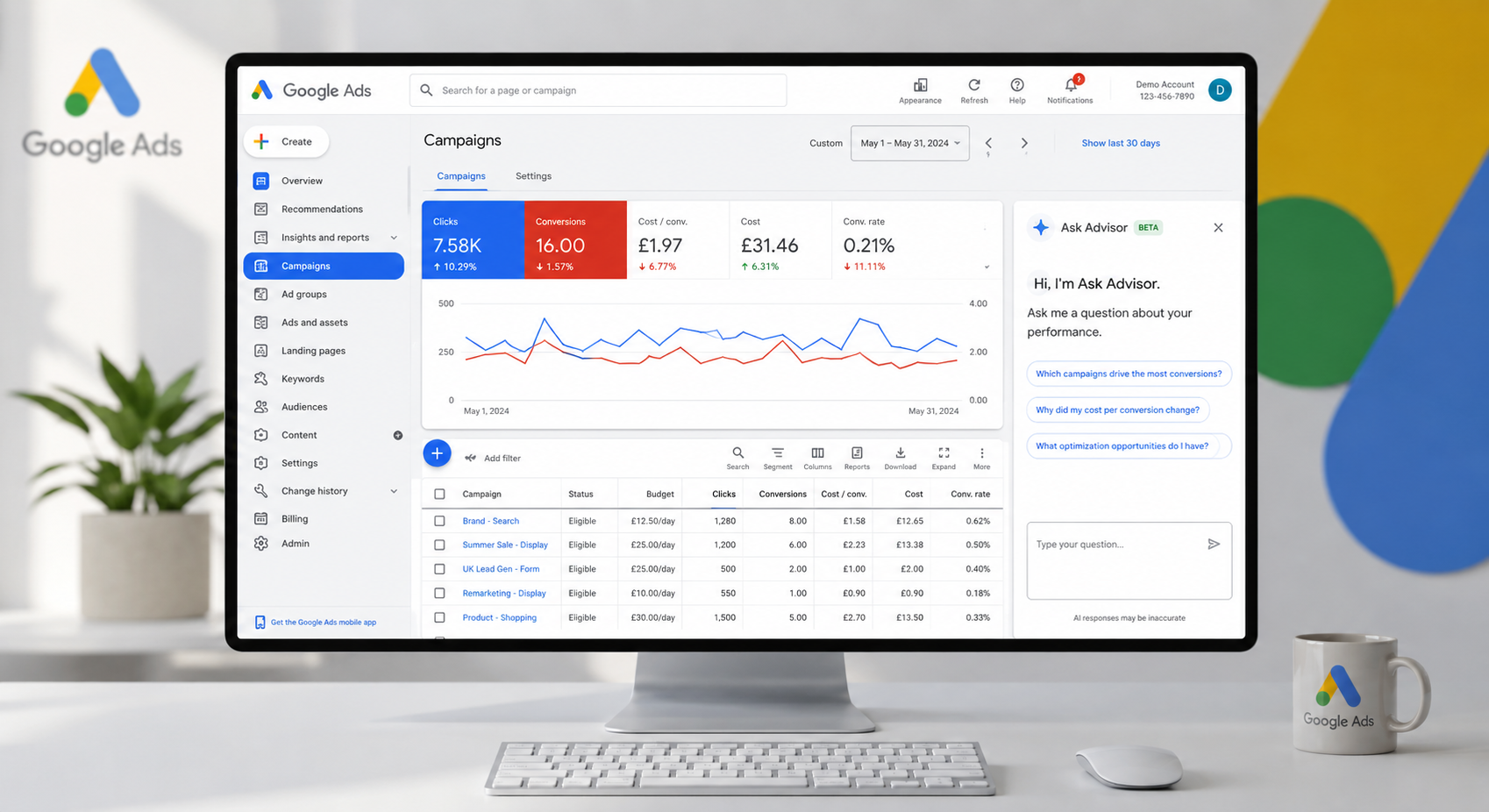
A Google Ads account can show thousands of clicks, healthy click-through rates and rising traffic while producing very little commercial value. The usual cause is not a lack of optimisation. It is poor measurement. When you set up conversion tracking properly, you give your campaigns a clear definition of success: qualified enquiries, completed purchases, booked consultations or revenue that supports profit.
For a London business competing in expensive search auctions, this is not a technical housekeeping task. It is the foundation for every decision about bids, budgets and channel mix. Google’s automated bidding can only respond to the signals it receives. If it is fed page views, button clicks and low-quality form submissions as though they are equal to a sale, it will find more of the wrong people efficiently.
Start with the commercial outcome, not the tag
Before opening Google Tag Manager or Google Ads, decide what a valuable conversion actually looks like in your business. That answer changes by model.
An ecommerce retailer will normally prioritise completed purchases, including transaction value, product data and any refunds where possible. A lead generation business may value a completed enquiry form, phone call above a sensible duration, booked meeting or finance application. A high-consideration B2B company should usually go further and measure which leads become qualified opportunities and, eventually, customers.
The critical distinction is between an action and an outcome. A brochure download may suggest interest, but it is not necessarily a sales lead. A contact form completion is useful, but it may include spam, job applicants and existing customer queries. Tracking these actions can still help diagnose the customer journey, but they should not automatically be the conversion goals that control automated bidding.
Create a short measurement plan before implementation. For each conversion, record its name, where it happens, how it will be tracked, its financial value and whether it should influence bidding. This prevents a common and costly problem: reporting a growing conversion total while cost per qualified lead quietly worsens.
How to set up conversion tracking in the right order
Most advertisers need a combination of Google Ads conversion tracking, Google Analytics 4 and Google Tag Manager. Each has a different job. Google Ads records the actions used for campaign reporting and bidding. GA4 helps analyse behaviour and attribution across channels. Google Tag Manager makes it easier to deploy and manage tracking without repeated website code releases.
1. Install a dependable site-wide foundation
Place the Google tag across every relevant page, ideally through Google Tag Manager. Check that it fires once only and that the correct Google Ads and GA4 destinations are connected. Duplicate tags are more common than they should be, especially after website rebuilds, plugin changes or a previous agency handover.
If your website uses a cookie consent platform, tracking should reflect the visitor’s consent choices. UK privacy obligations and platform requirements cannot be treated as an afterthought. Consent Mode can help retain aggregated modelling where users do not consent, but it is not a substitute for a properly configured consent banner or lawful data handling.
2. Track the final action wherever possible
For an ecommerce site, pass the purchase event and transaction value when an order is confirmed. Include the order ID so that a customer refreshing the confirmation page does not create duplicate revenue. Currency, tax and delivery treatment should be consistent with how the business reviews sales performance.
For lead generation, a thank-you page can work if every successful form submission sends users to a unique page. However, many modern forms submit without loading a new page. In that case, trigger a conversion only when the form success event is confirmed. Tracking a click on “Submit” is not enough. The form may fail validation, be abandoned or never reach your CRM.
Phone calls deserve similar care. Calls from ads can be tracked using Google forwarding numbers, while calls from the website can be measured through dynamic number insertion. Duration thresholds are useful, but they are only a proxy for quality. A 60-second call may be a genuine enquiry in one sector and a customer service query in another.
3. Assign values that reflect business reality
Revenue tracking is straightforward for most online shops: use the actual order value. Lead generation needs a more considered approach. You can begin with an estimated value based on historic close rates and average gross profit, then improve it as CRM data becomes available.
For example, if one in five consultation requests becomes a client and the average gross profit from a client is £2,000, an initial qualified consultation value may be around £400. That does not mean every form is worth £400 in cash. It gives Google Ads a more useful relative signal than treating every enquiry as worth £1.
Avoid assigning inflated values simply to make reported ROAS look impressive. Good tracking should make decisions harder to avoid, not easier to justify.
4. Separate primary and secondary conversions
Google Ads lets you distinguish between primary conversions, which are included in the Conversions column and can guide bidding, and secondary conversions, which remain visible for observation.
As a practical rule, keep your primary set tight. Purchase, qualified lead, booked appointment or another agreed commercial outcome may belong there. Newsletter sign-ups, brochure downloads, page engagement and basic form starts are often better as secondary conversions.
This matters particularly with Performance Max and broad match search campaigns. These campaigns can scale quickly when they receive clear quality signals. They can also scale poor-quality activity quickly when every minor interaction is counted as a success.
Bring offline lead quality back into Google Ads
The biggest gap in many lead generation accounts appears after the form is submitted. The campaign receives credit for an enquiry, but the sales team knows whether it was relevant, contactable, qualified or won. If that information stays in a CRM, Google Ads continues optimising towards the cheapest initial submissions rather than the leads that produce revenue.
Offline conversion imports close this loop. Capture the Google click ID where appropriate when a prospect submits a form, store it against the CRM record, then upload qualified leads, opportunities or completed sales back into Google Ads. Enhanced conversions for leads can improve matching using securely hashed first-party data, provided it is implemented in line with consent and privacy requirements.
There is a trade-off. Offline tracking takes more coordination between marketing, sales and web development than a simple thank-you-page tag. But for businesses with long sales cycles, higher-value contracts or inconsistent lead quality, it is often the difference between optimising for volume and optimising for profitable growth.
Test before you trust the numbers
A conversion tag that appears in a platform interface is not proof that it is correct. Test every journey as a real user would: complete an order, submit each form type, make a call, use mobile and desktop, and check that the conversion fires once with the correct value.
Then compare sources. Ecommerce revenue in Google Ads will not match your payment platform exactly because attribution windows, consent choices, cancellations and channel attribution differ. It should, however, be plausible. If Google Ads reports £80,000 in sales while the store processed £25,000, there is a configuration problem, not a remarkable ROAS story.
Review the setup after website changes, new form plugins, consent platform updates and CRM migrations. Tracking tends to break quietly. A monthly check of conversion volume, values, duplicate events and lead quality can prevent weeks of wasted spend.
Use the data to make better budget decisions
Once the data is clean, use it with judgement. Cost per conversion alone does not tell you whether a campaign is successful. Compare cost per qualified lead, lead-to-sale rate, revenue, gross margin and capacity to fulfil new demand. A campaign with a higher initial CPA may be the better investment if it generates larger, more profitable customers.
This is also where channel reporting needs restraint. Google Ads, Meta and GA4 each use different attribution methods, so their totals will not align perfectly. Look for consistent direction alongside CRM and sales data rather than demanding a single perfect number from every platform.
At Maple Forest Marketing, the aim is not to produce a prettier dashboard. It is to give every pound of paid media a measurable job, then use that evidence to reduce waste and increase the campaigns that create genuine commercial return. If your account is optimising towards clicks, weak enquiries or unreliable revenue, a focused tracking audit is often the most profitable place to start.